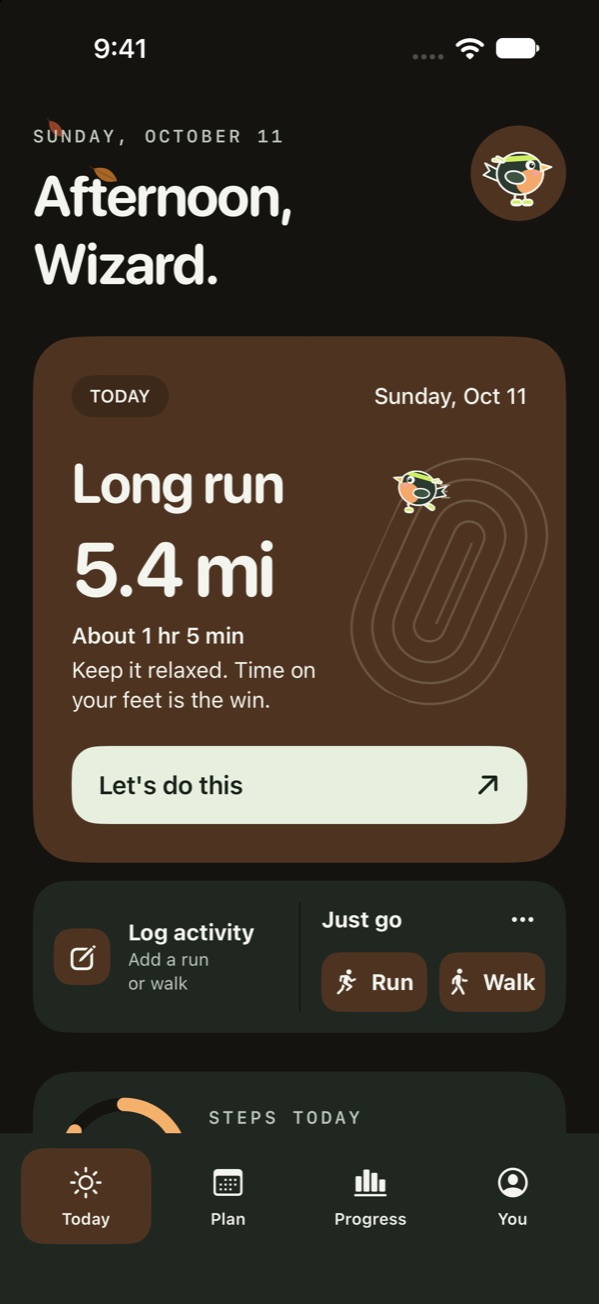
Pick your days and a goal, from short walks to a marathon. BirdRunner builds the plan and talks you through each session with voice cues. For iPhone.
Coming soonto the App Store
Requires iOS 17 or later. Sending plans to Apple Watch needs watchOS 10 or later. Which devices?
No account · No ads · No tracking · Your runs stay on your iPhone
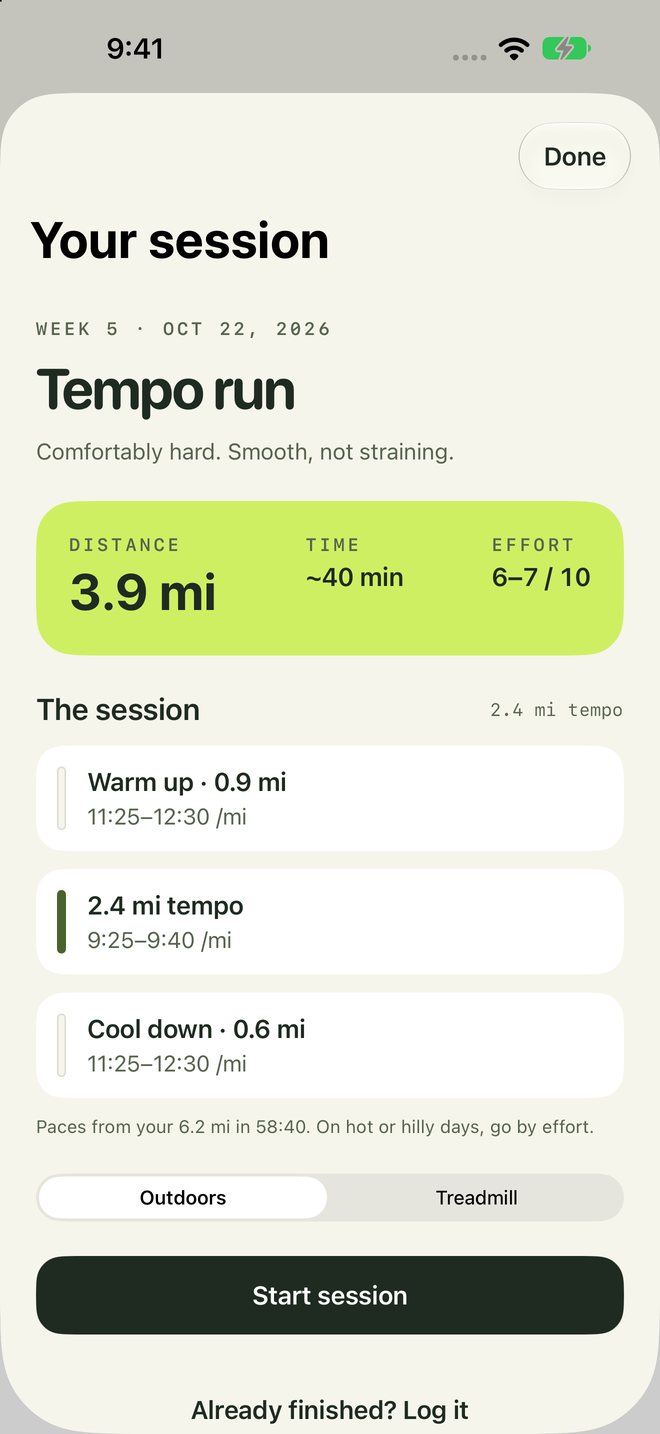
Week 3Build strengthTempo · 2.4 mi9:25–9:40 /mi
How it works
1
Pick your days and a goal.
Goals go from short walks and walk-jog sessions to a 5K, a 10K, a half, or a full marathon. Choose beginner, intermediate, or advanced. Walk 1 to 5 days a week, or run 3 to 6.
2
Follow the week.
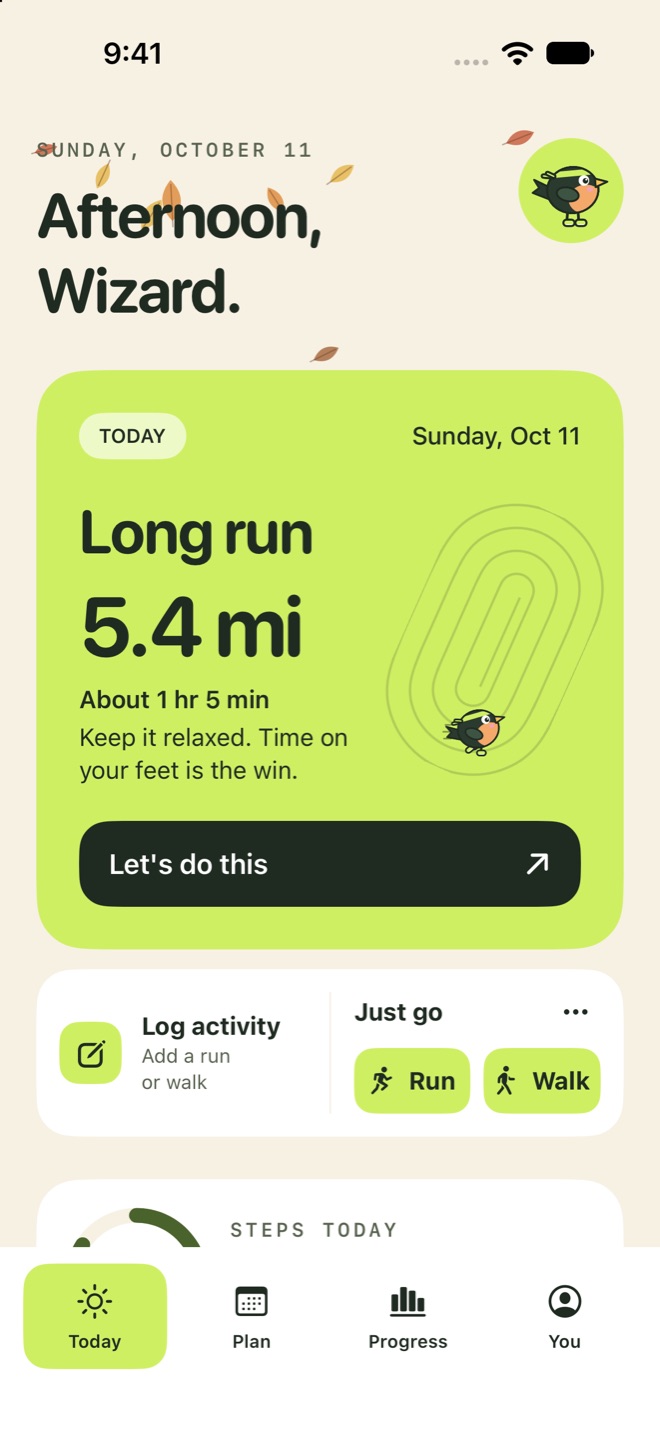
Your sessions for the week show up on Today, each with a time and, for runs, a distance.
3
Run with voice cues.
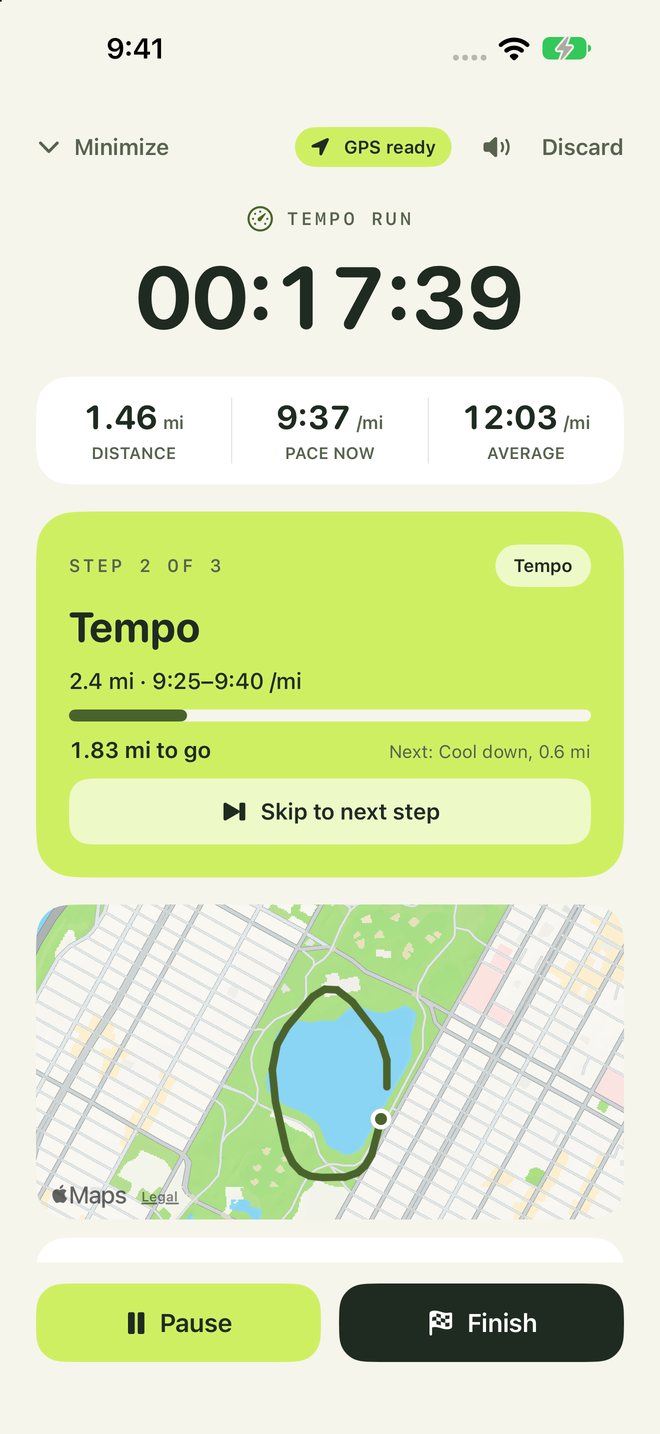
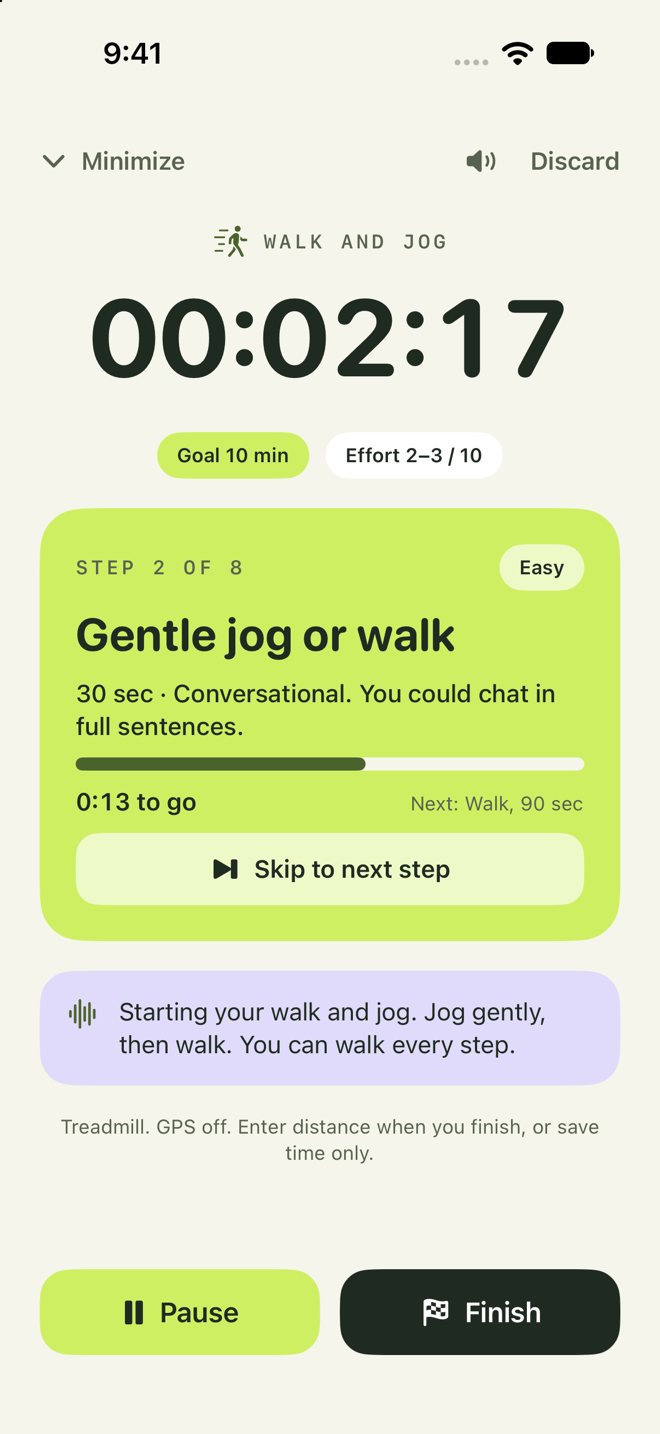
Start a session and the timer talks you through each step while GPS tracks your distance.
Guided runs
Voice cues for every step.
17:40
The timer steps through warm up, reps, and cool down, and reads your target pace aloud. Your music gets quieter while a cue plays.
Voice cues
Pace targets
Mile or km splits
Records with your phone locked
Private by design
Your training is nobody else's business.
No account to make. No server keeping your runs. No ads or trackers watching. BirdRunner keeps your plan, runs, routes, and steps on your iPhone.
No accountNo sign-up, email, or password. Open the app and go.
Stays on your iPhoneYour journal is saved on the device, locked with your passcode.
No ads or trackingNo analytics, ad networks, or tracking code of any kind.
Your choice in HealthImport the readings you allow. Save a phone activity to Health only when you choose.
Routes hide your doorstepShare cards leave out where a route starts and ends.
Yours to keep or eraseExport your journal as a spreadsheet, or erase it all, any time.
Check it yourself: turn on App Privacy Report in Settings › Privacy & Security. BirdRunner doesn't contact any server of ours.
Half marathon plans run the full 21.1 km before race day. Marathon plans build to 30 to 35 km, three weeks out. In between: hills, fartlek, tempo, intervals, race pace, and time trials to check your fitness, all set for beginner, intermediate, or advanced.
Garmin
Run with your watch.
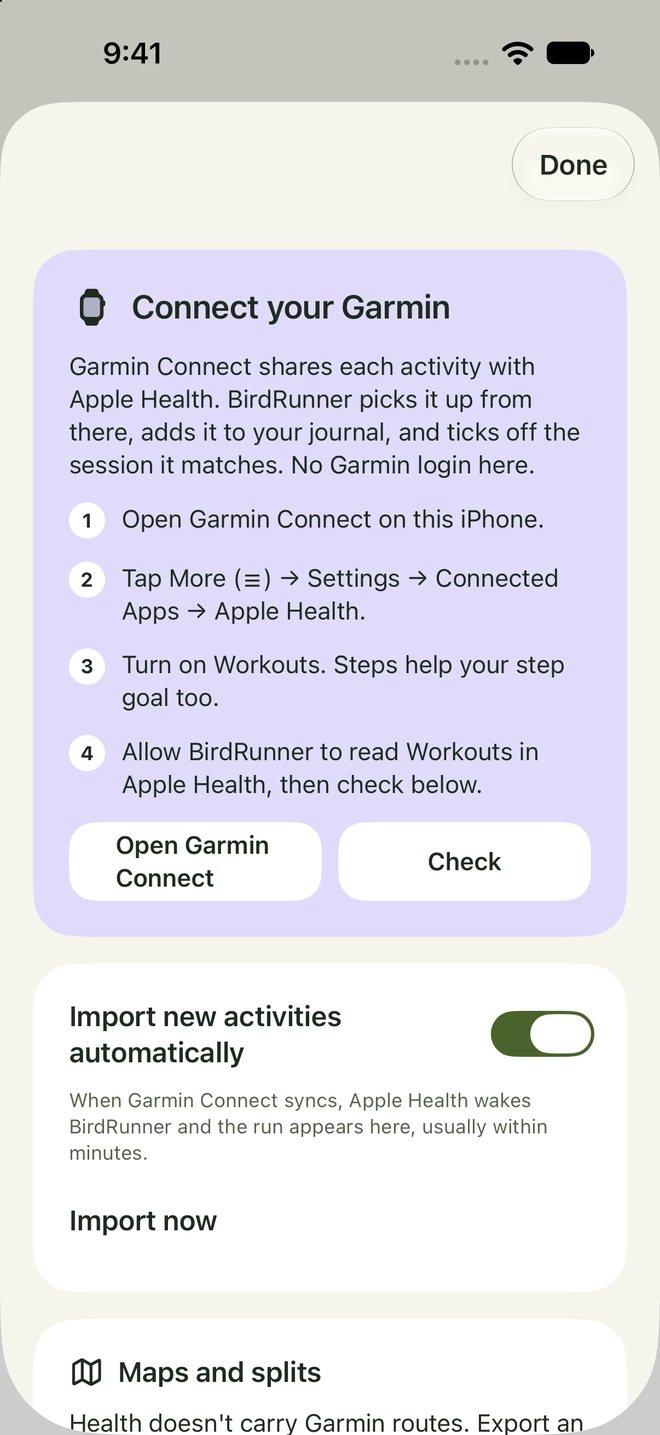
Connect Garmin once, through Apple Health. After that, runs from your watch land in your journal and tick off the session they match, usually within minutes of Garmin Connect syncing. No Garmin login in BirdRunner.
Share cards
Cards worth sending.
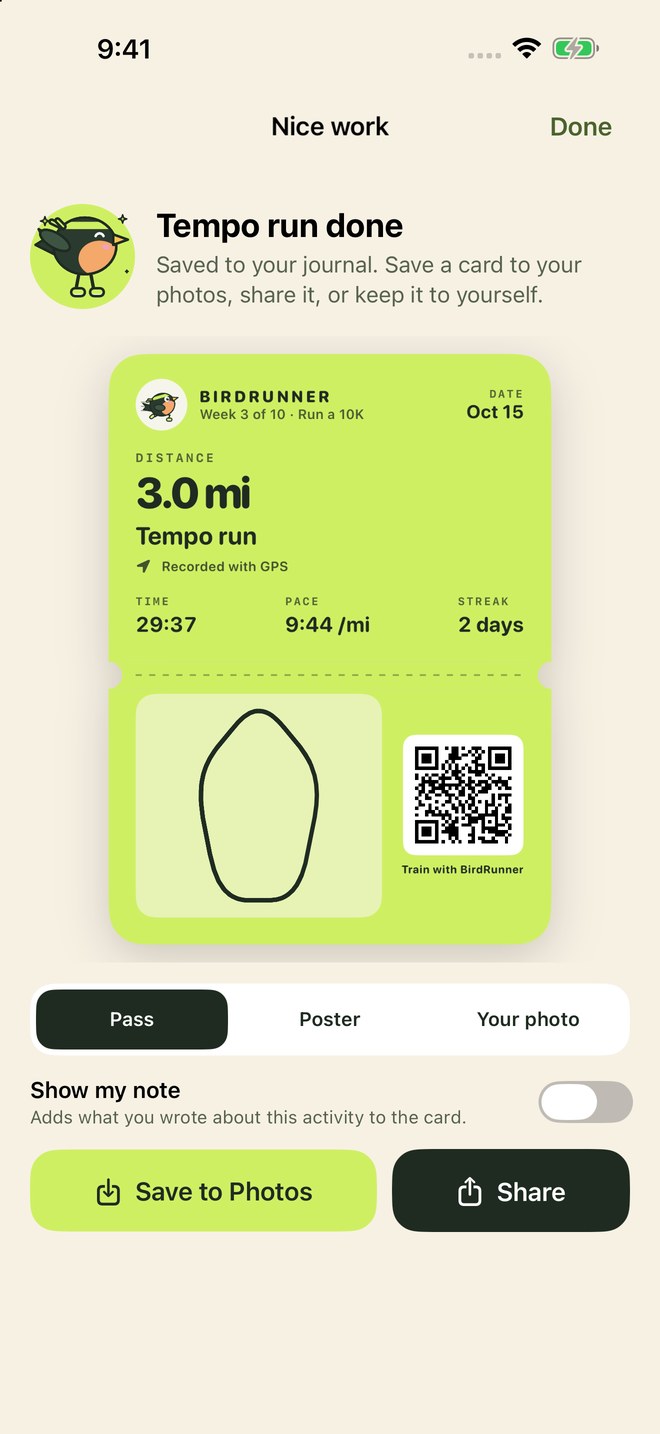
Finish a run and make a card: a pass like the ones in Wallet, a poster, or your own photo from the run with your numbers on top. Add your note if you want. Save it to Photos in one tap, text it, or post it. Each card says how the run was recorded, by GPS, a watch, or by hand. Photos you add stay with the run, so you can look back at them in your journal and calendar.
Your flock
Birds you earn.
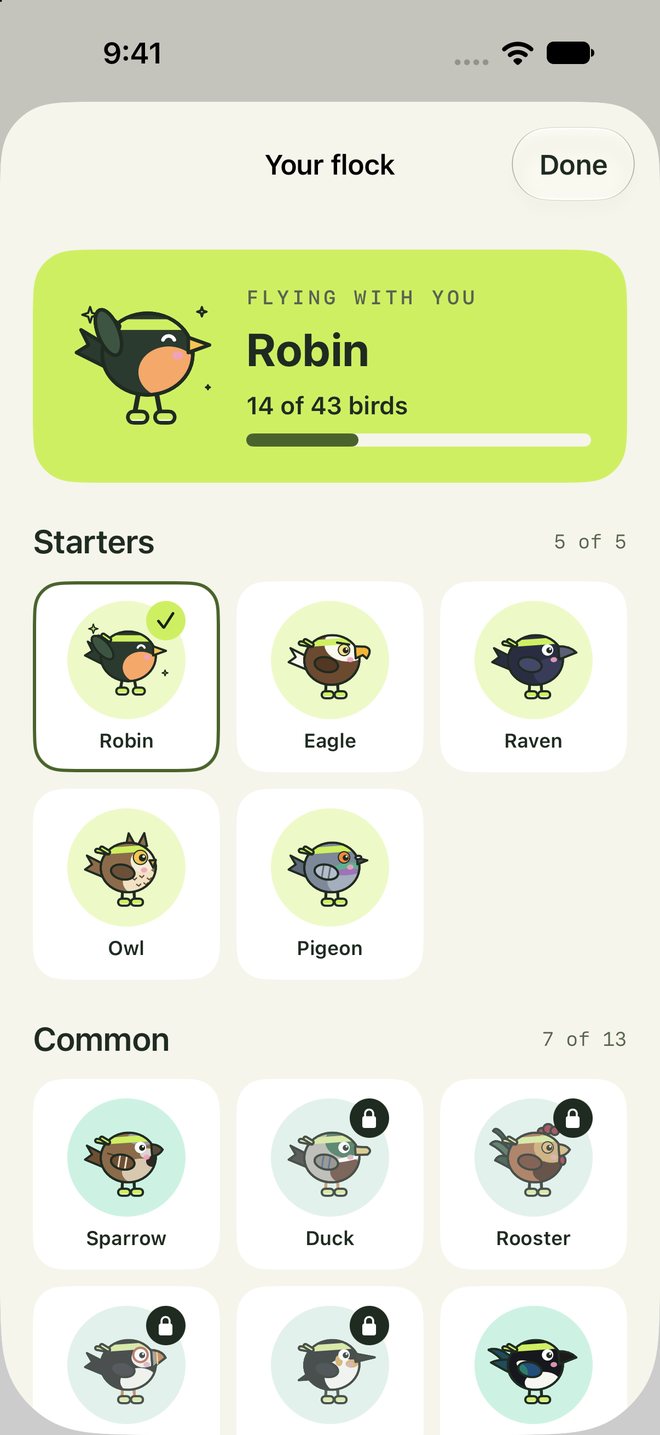
Every bird has a goal: your first walk, a tempo run, a 7-day streak, a half marathon. Pick any bird you've earned to run with you, on Today, in the timer, and on your app icon. Birds come from activities BirdRunner timed or recorded, or that a watch measured, so nobody can type their way to a phoenix.
Widgets
Your week, at a glance.
Home Screen and Lock Screen widgets for your next session, the week so far, the weather and the best time to run, today's steps, the countdown to race day, and a one-tap quick start.
Just go
Heading out? Tap and go.
Tap Run or Walk on Today and the timer starts, GPS and all, no plan needed. Or start from a widget, Control Center, the Action button, or Siri: “Start a walk with BirdRunner.” Rather skip plans altogether? Choose No plan in setup and BirdRunner just keeps track.
Seasons
Dressed for the season.
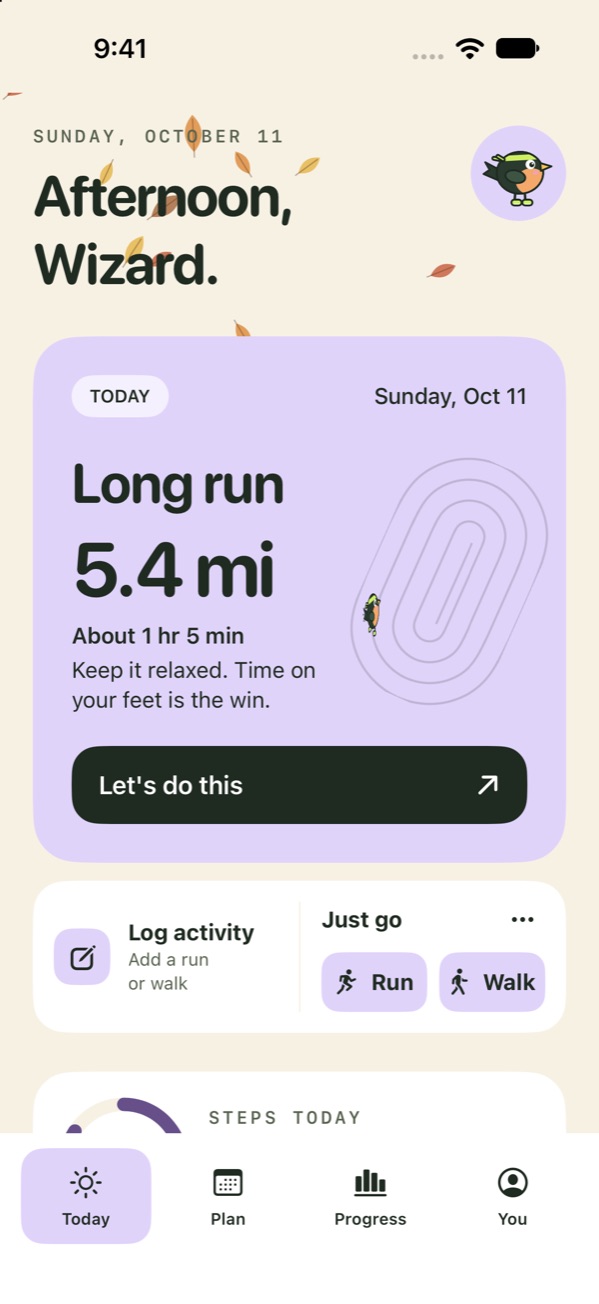
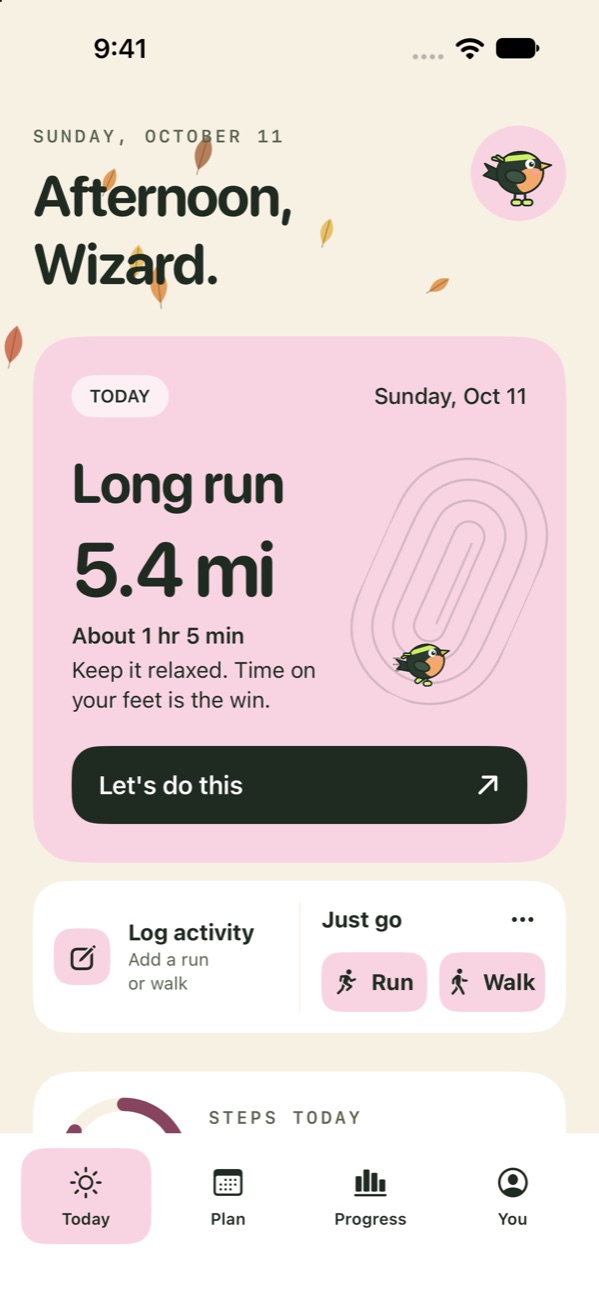
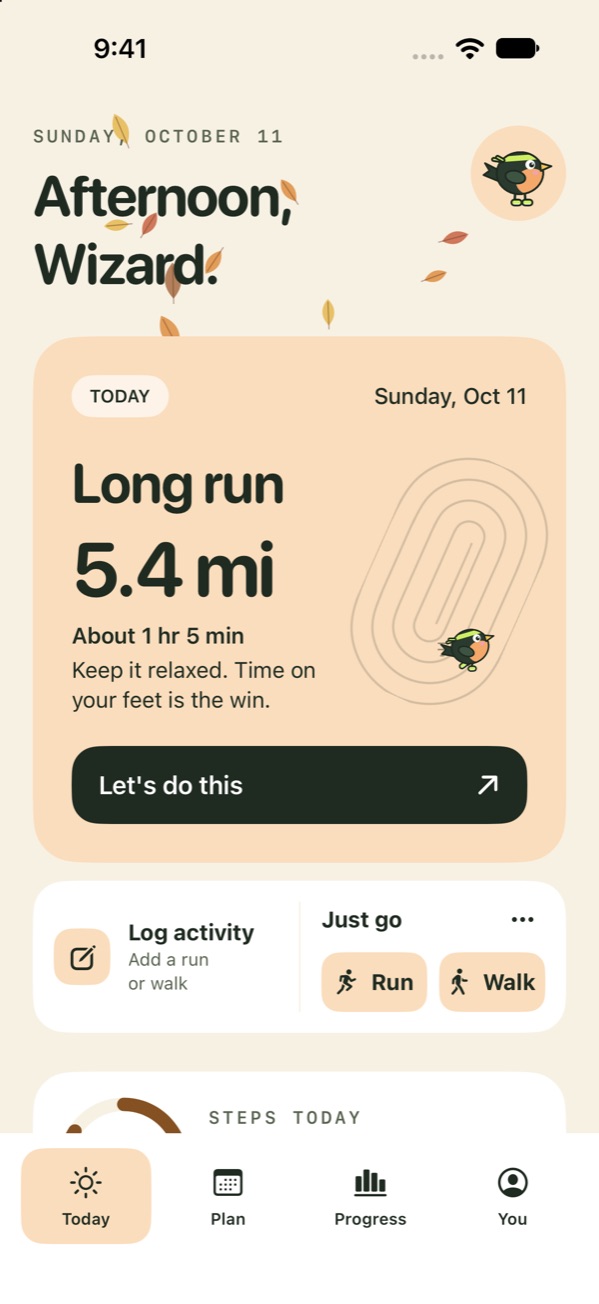
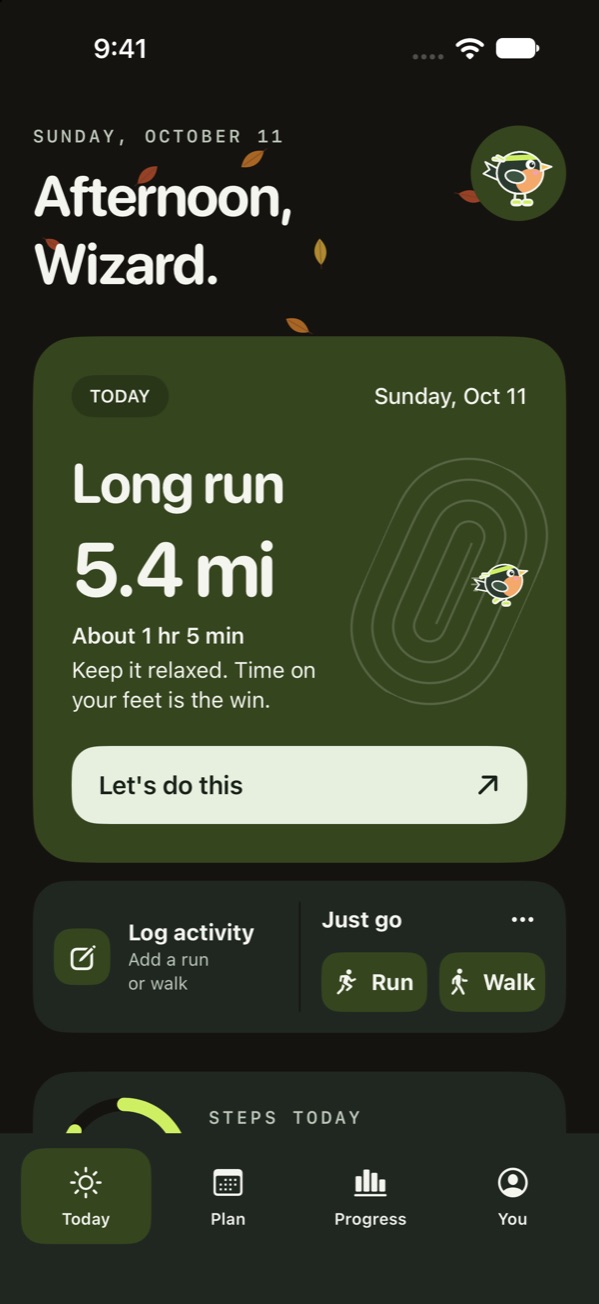
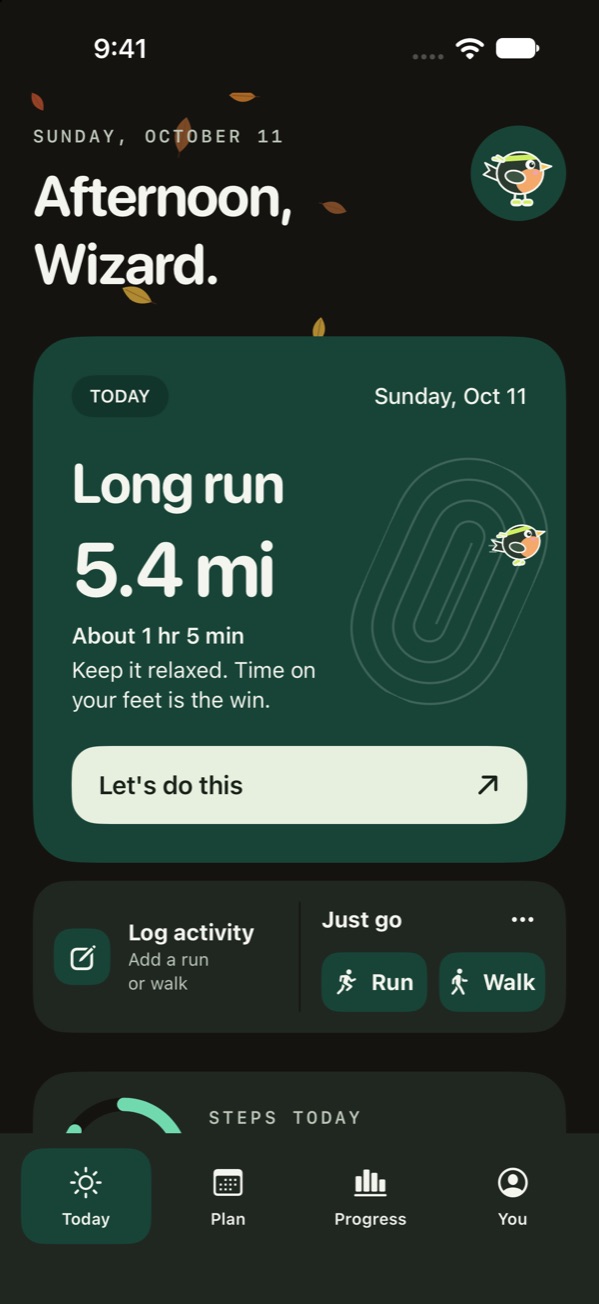
Leaves in fall, snow in winter, petals in spring, and sunlight in summer, following the season where you are. Prefer it plain? Turn it off in Look.
Plans
Plans for your schedule.
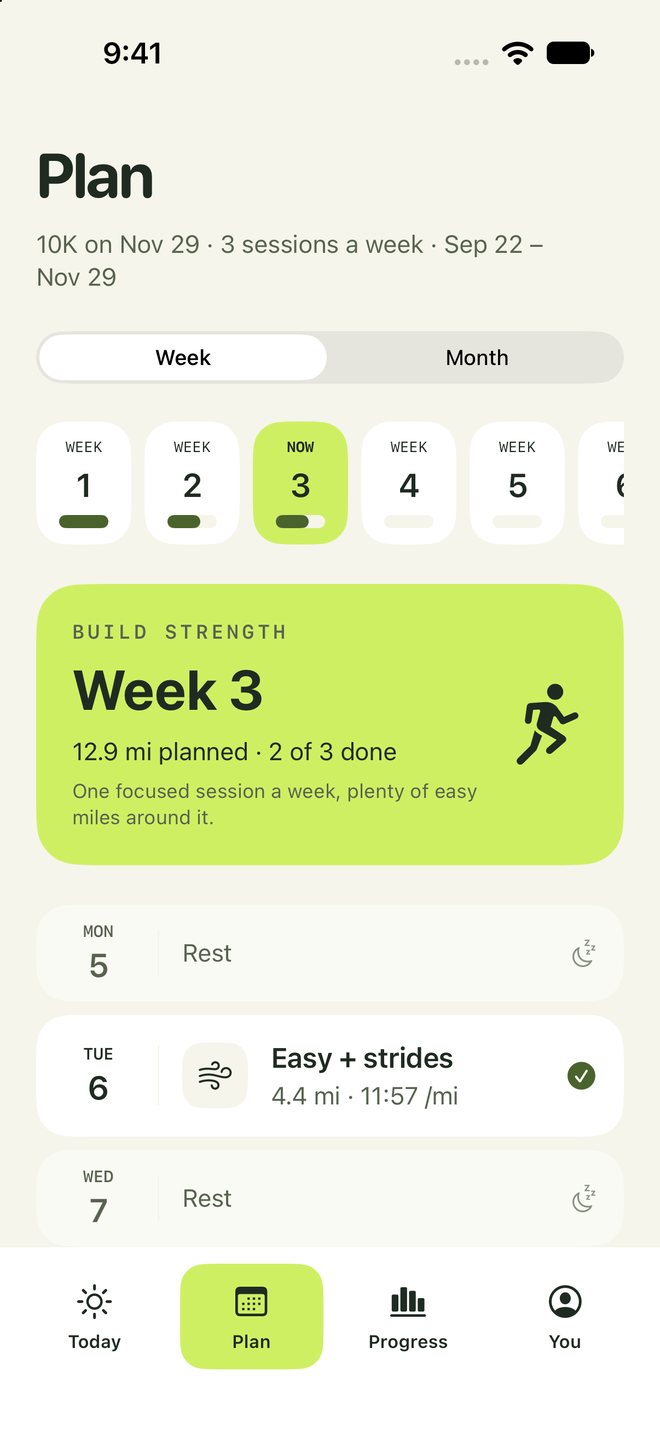
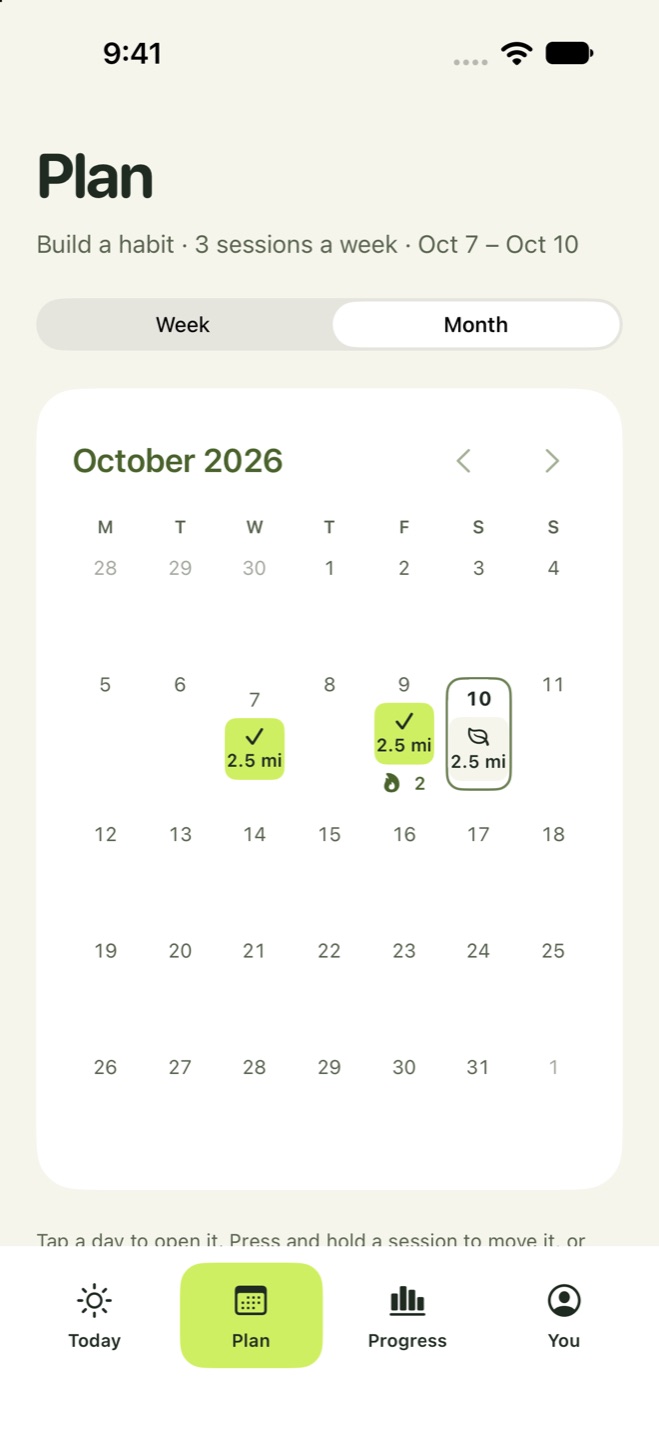
Add a race date and the plan builds week by week, then eases off before race day. Race coming up soon? If you already run enough, you get a short block that sharpens what you have. See every day in week or month view. Press and hold or drag to move a missed run. No race? Pick 8, 12, or 16 weeks, or any length from 4 to 24.
New to running
Walk, or walk and jog.
Pick walking or walk and jog in setup. Sessions are timed, 5 to 30 minutes, and walk-jog mixes 30-second jogs with walking breaks. Walk your neighborhood or a trail and GPS maps the route and distance.
Indoors
Treadmill sessions.
Choose Treadmill before you start. GPS stays off and the voice cues still play. Add the distance when you finish, or save just the time.
Progress
One chart, plain numbers.
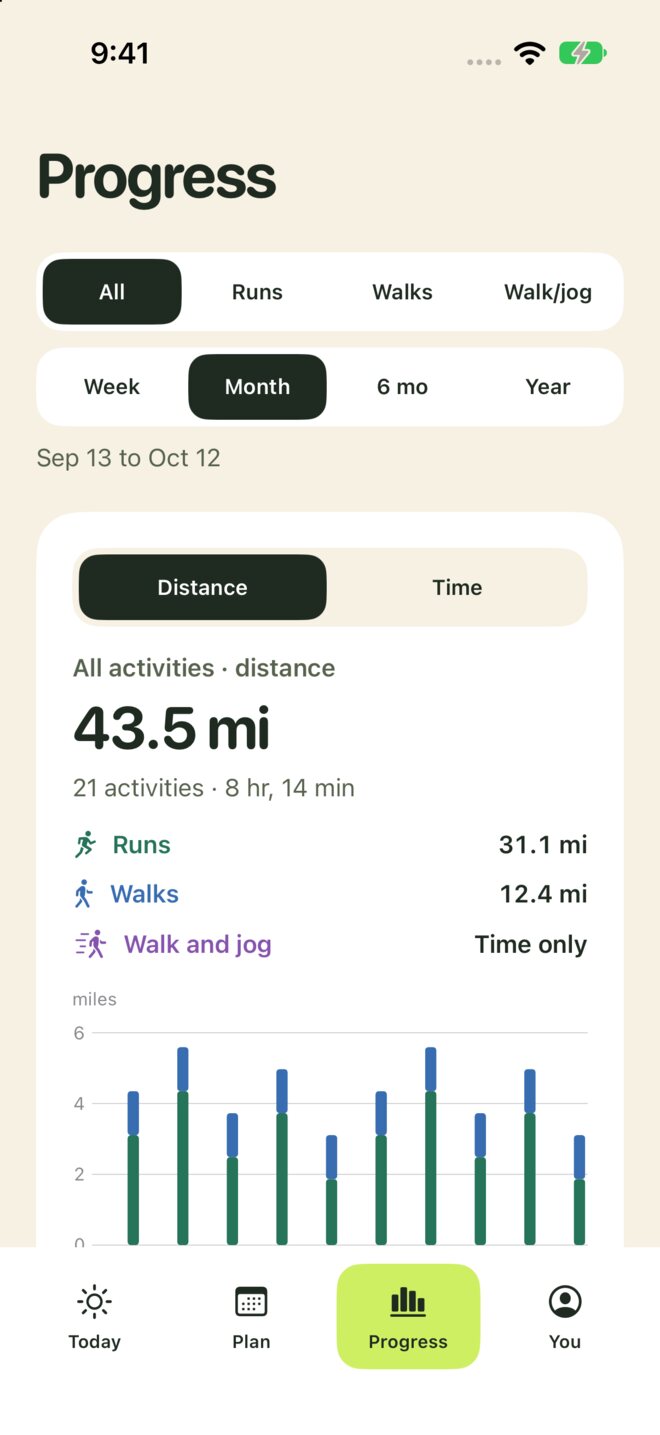
Pick runs, walks, or all activities, then a time range. See distance or time, with separate colors and totals for each activity type, or switch to Steps for your daily steps against your goal. Tap a bar for a closer look. The activity history below follows the same filters.
Make it yours
Your cards, your order.
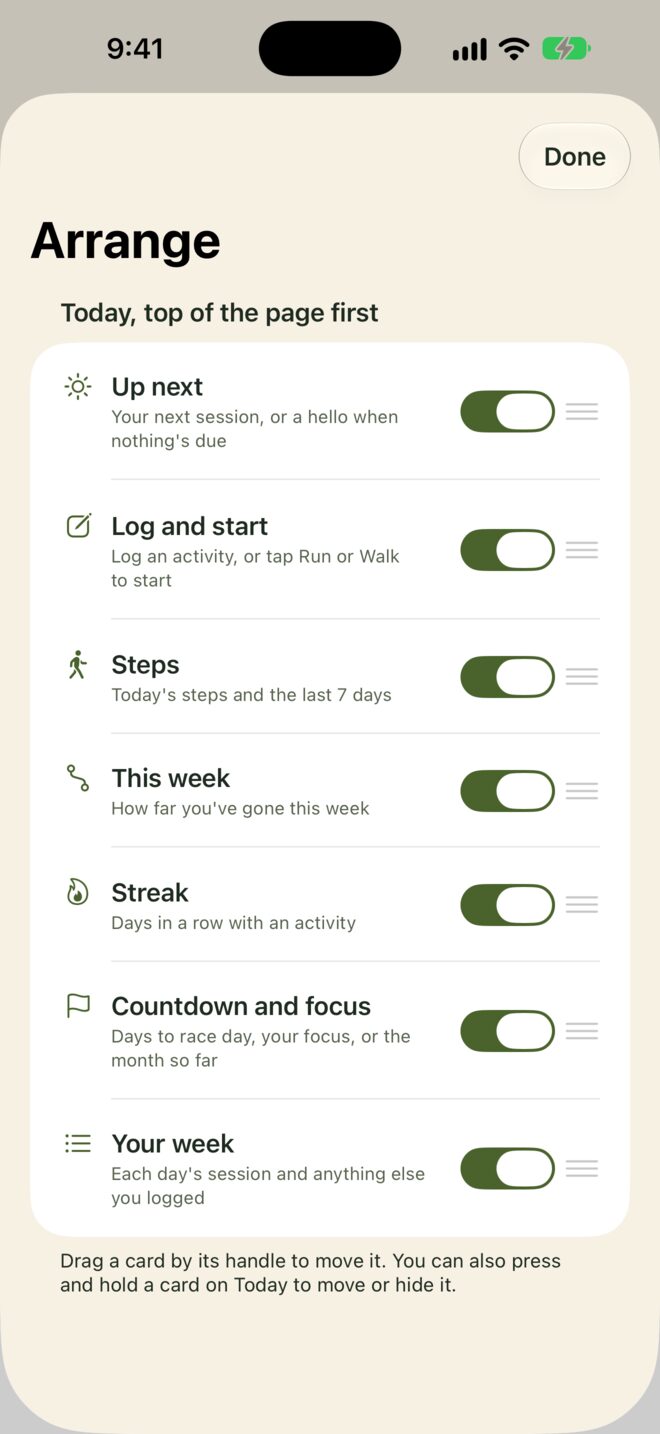
Care more about steps than streaks? Press and hold a card on Today or Progress to move it up or down, or hide it. Arrange lists every card with a switch and a handle, and one tap puts it all back.
Daily steps
Steps, with a party at your goal.
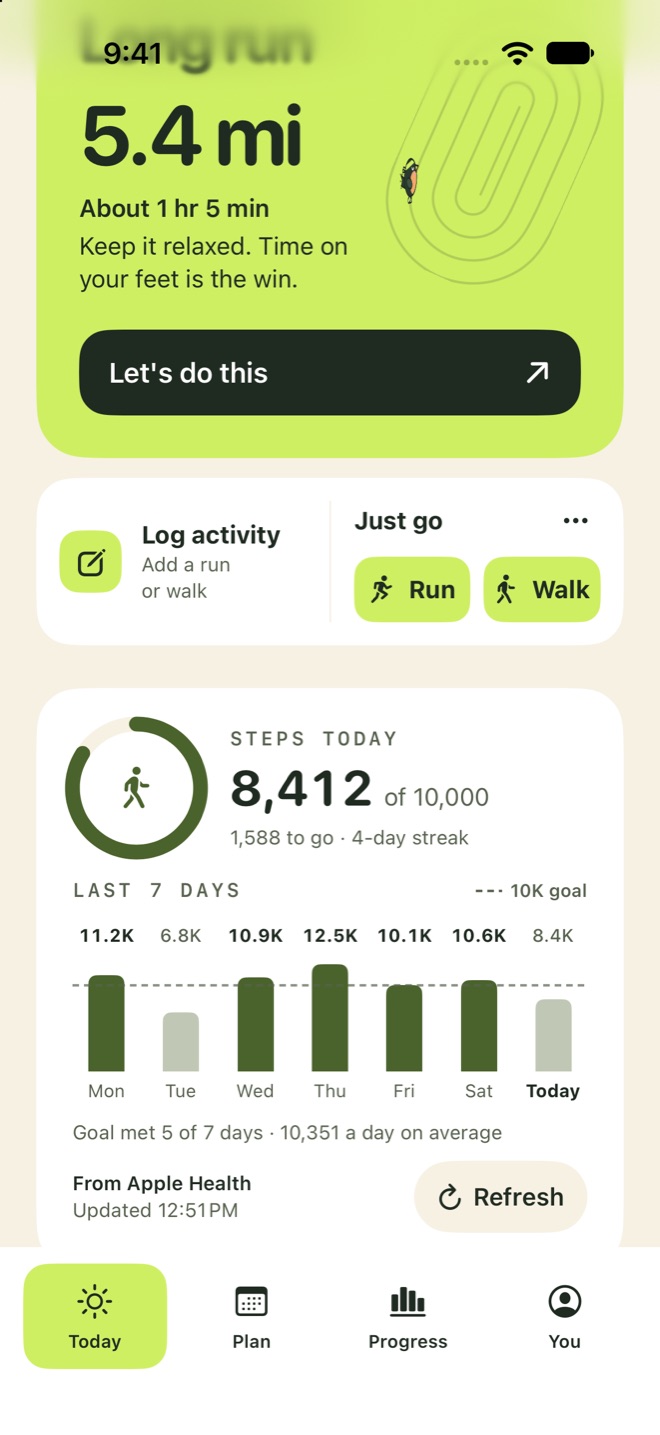
Today's steps from Apple Health and your iPhone, a goal ring, and your week against the goal line. Reach your goal and BirdRunner sends a note, then celebrates when you open it. Hourly notes show your count and how many steps are left.
Weather
Weather, and when to go.
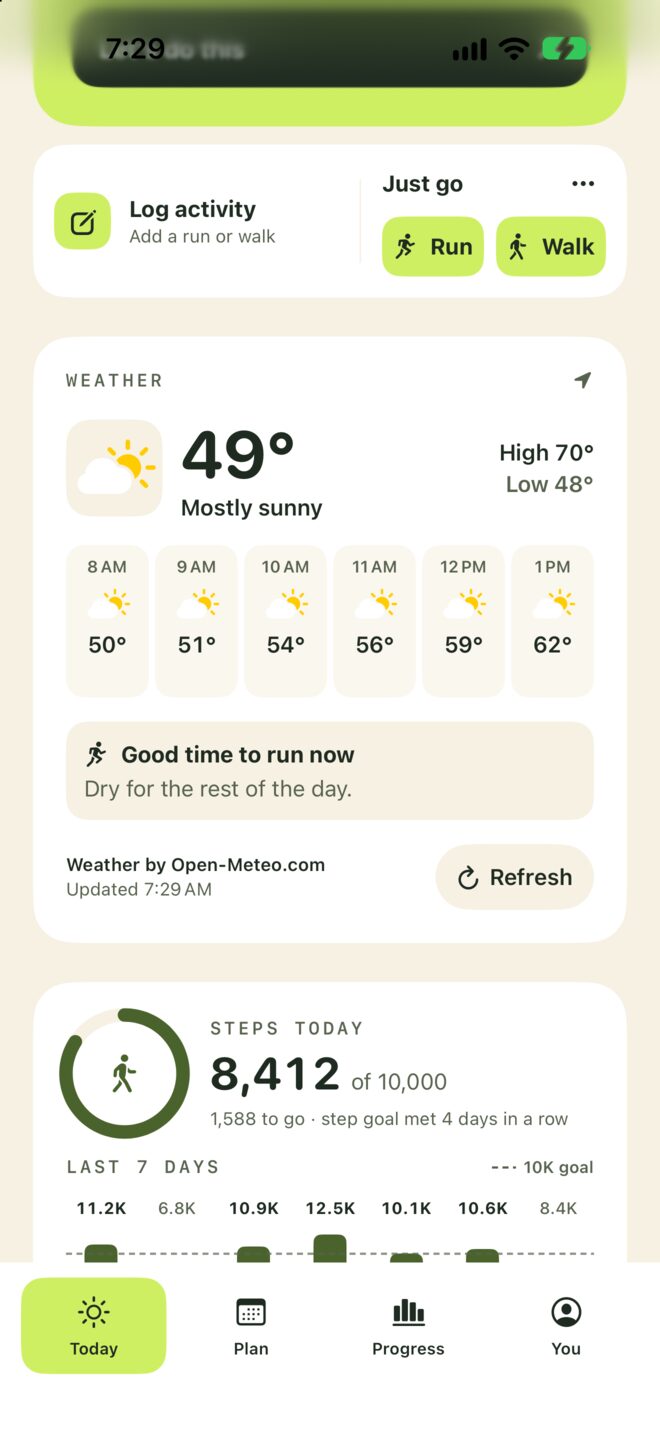
Turn on the weather and Today shows what it's like now, the high and low, the next few hours with little icons for sun, clouds, rain, or snow, and the best time to head out: dry, comfortable, and ahead of the storm. A widget does the same on your Home Screen or Lock Screen. Only a rounded area is sent for the forecast.
Easy setup
A few choices, then run.
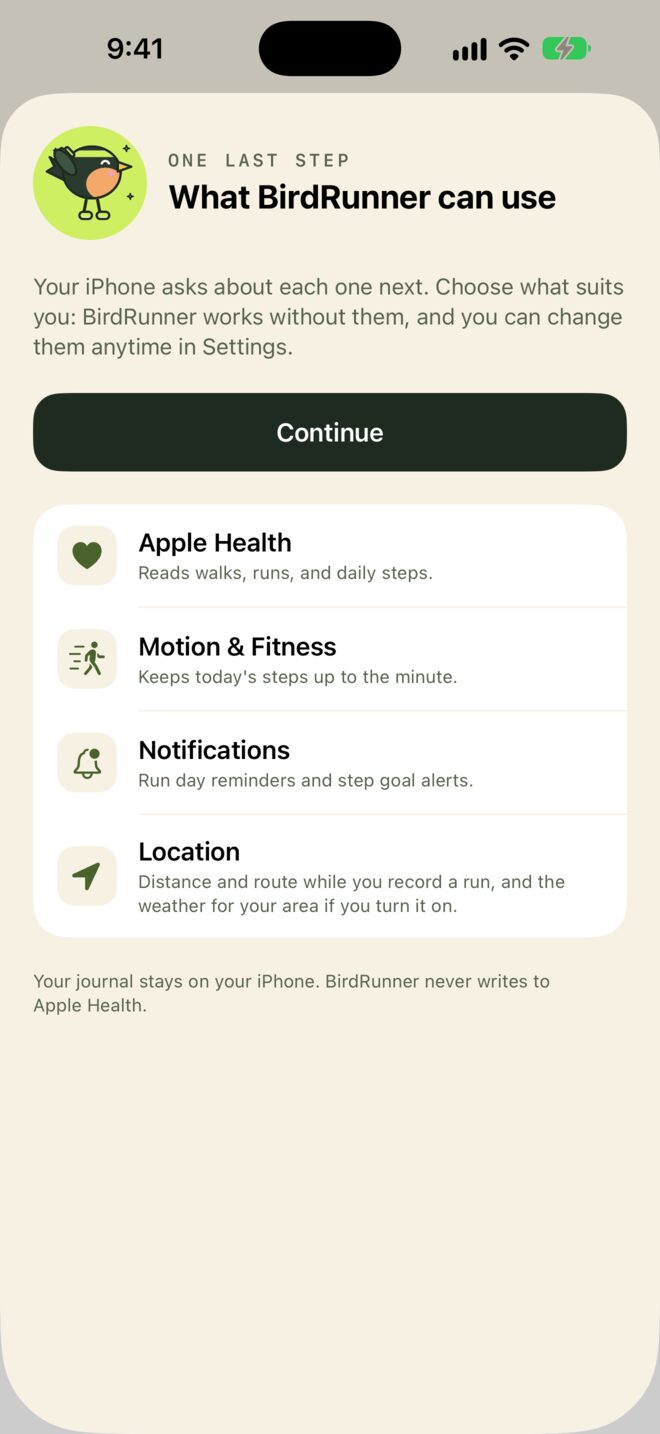
One screen says what each permission is for before your iPhone asks. Pick a text size that suits you, and find each setting under one plain row in You.
Lock Screen
Your run, at a glance.
Time, distance, pace, and the next step stay on the Lock Screen and in the Dynamic Island. Pause without unlocking.
Voices
A voice you like.
Pick from your iPhone's voices, American, British, Australian, Irish, and more, female or male, at the speed you like.
Your own cues
Coach yourself.
Record a few words for the start, each mile, or the finish. They stay on your iPhone, and only you hear them.
Plan length
As long as you like.
8, 12, or 16 weeks, or any length from 4 to 24. Every fourth week is lighter.
Paces
Paces from your runs.
Training paces from a recent race or your quickest recent runs.
Apple Health
Import past runs.
Import Watch runs with available routes, heart rate, calories, and more. Send planned sessions to the Watch’s Workout app, including intervals. No separate watch app needed.
Feedback
Tell us in a tap.
Something off? You → Feedback opens a ready email in the app you use, Gmail, Outlook, or Mail. Nothing sends until you press Send.
Adjustments
Suggested adjustments.
After a missed week or a few tired runs, BirdRunner suggests easing back. Nothing changes until you tap Adjust.
Step trends
Months of steps.
Pick Steps in Progress for every day of the last week or month, or the daily average over six months or a year, against your goal.
Shoes
Shoe mileage.
Add your shoes, pick a pair when you log a run, and watch the distance add up toward the limit you set.
Notifications
Notifications your way.
Run day reminders, a step goal alert, and step check-ins every 1 to 4 hours, only between the hours you pick. One switch pauses them all. Off until you turn them on.
A flock to earn.
Start with five birds. Earn 38 more as you train and play: intervals for the hummingbird, a half marathon for the swan, a full marathon for the phoenix. Locked birds show what they take.
RobinStarter
EagleStarter
RavenStarter
OwlStarter
PigeonStarter
FlamingoShare a card
PenguinA treadmill run
PuffinWalk and jog
KingfisherA tempo run
HummingbirdIntervals
ToucanA time trial
CardinalA full week
RoadrunnerA 7-day streak
MacawShare cards from five runs
SwanRun a half marathon
PeacockFinish a plan
Bird of paradiseEarn 25 birds
PhoenixRun a marathon
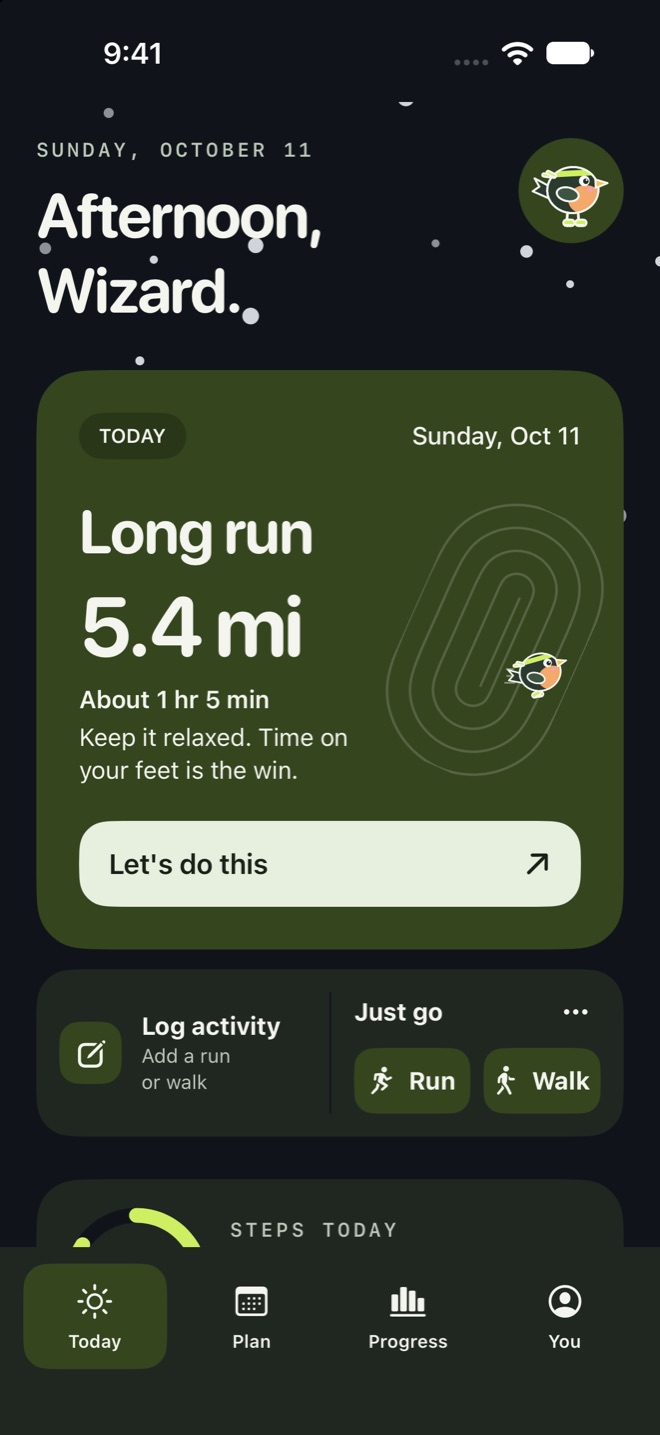
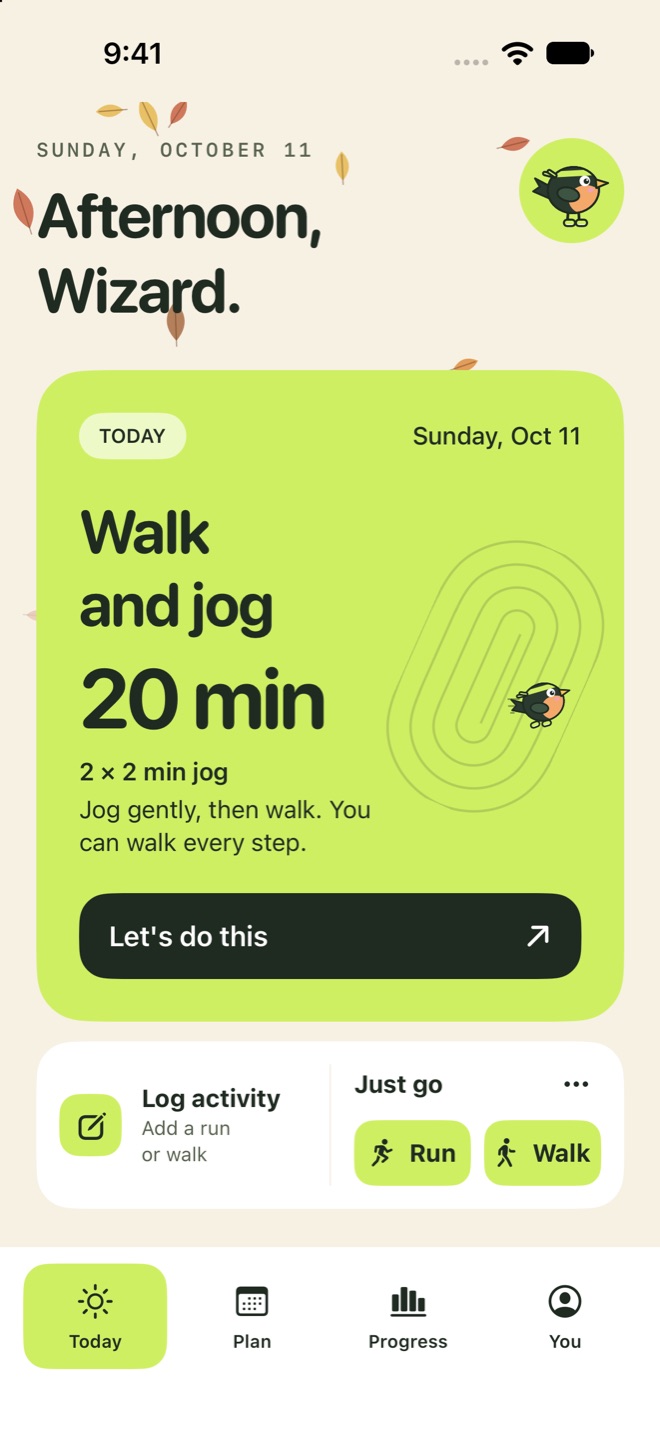
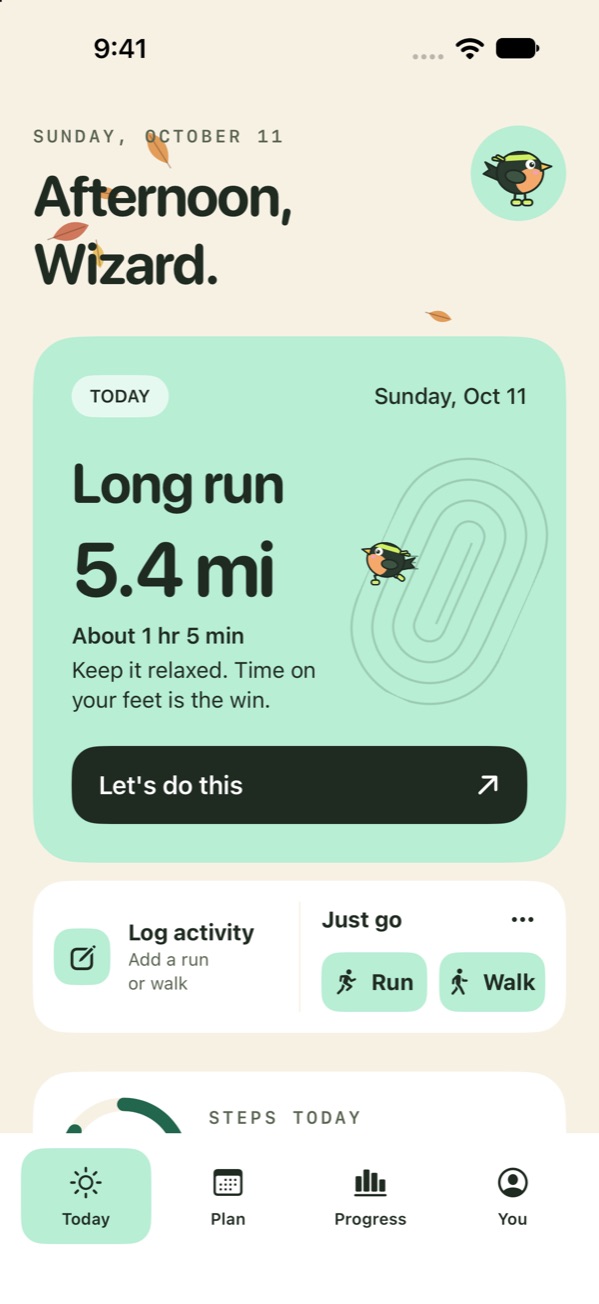
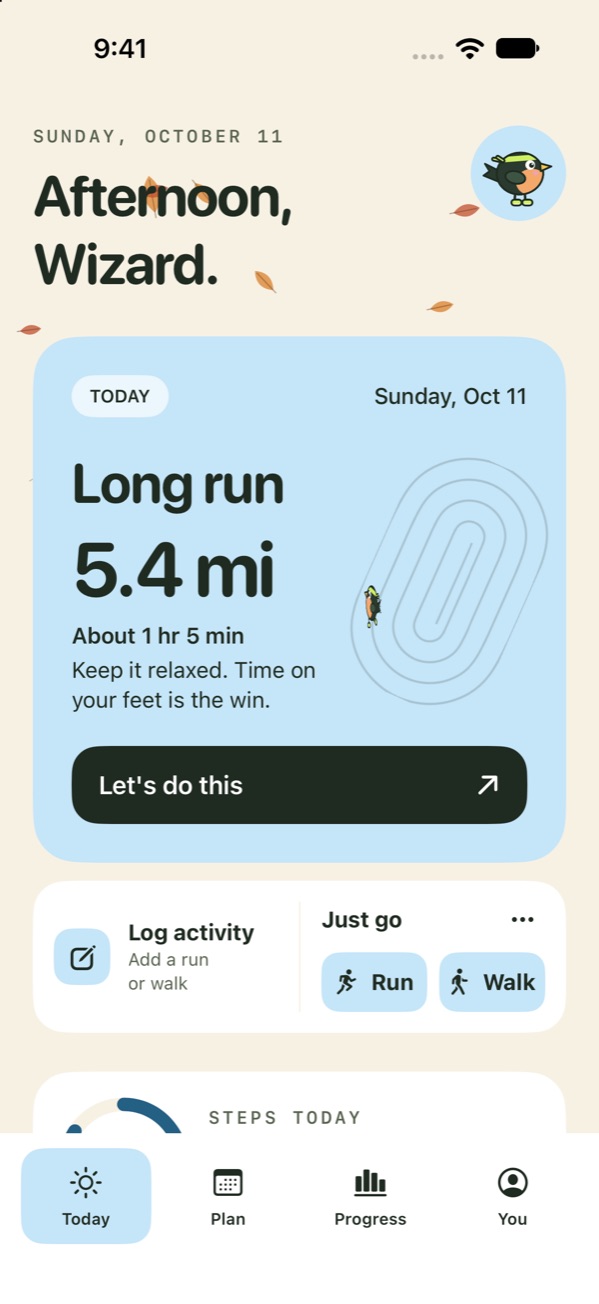
Six colors, light or dark.
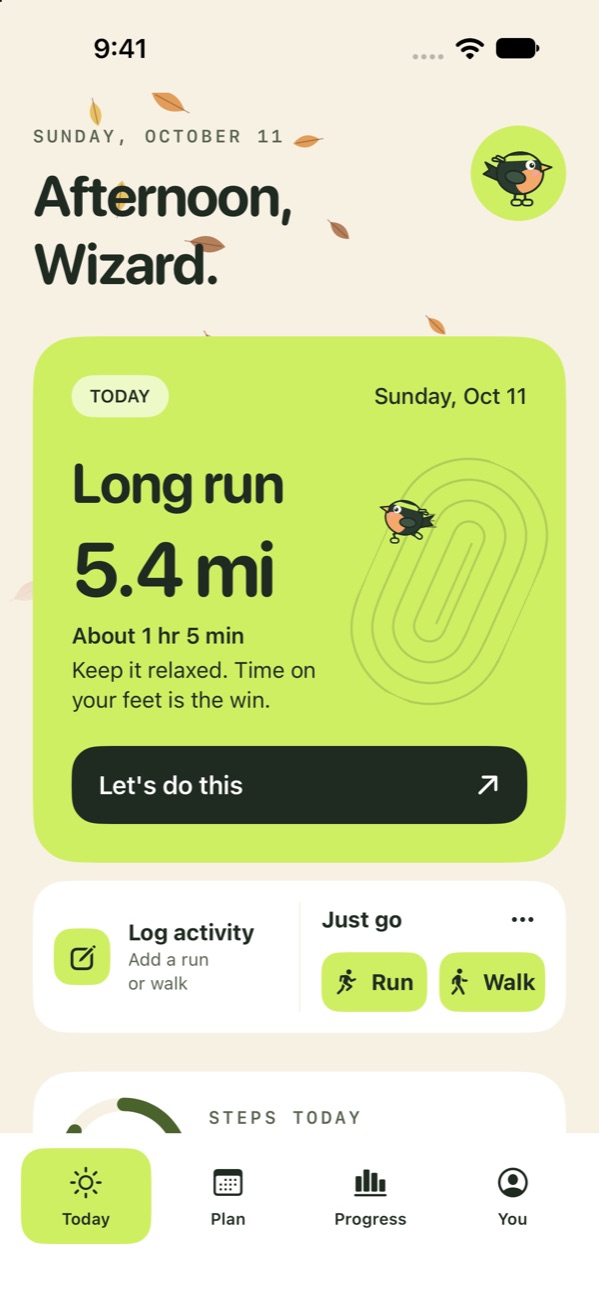
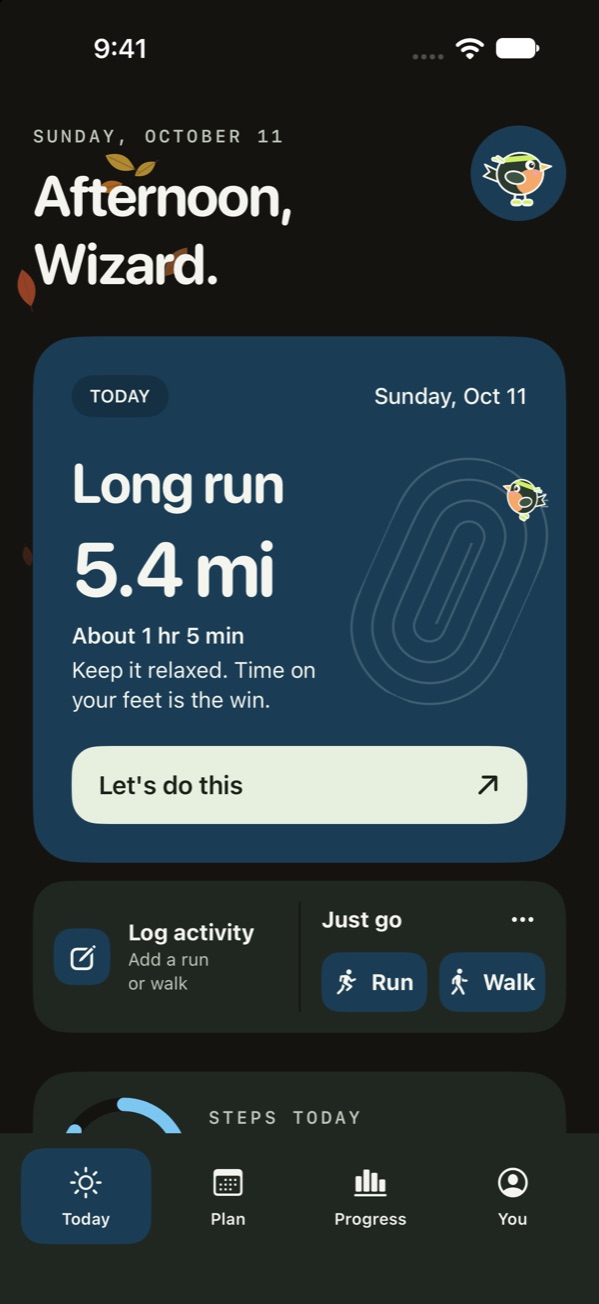
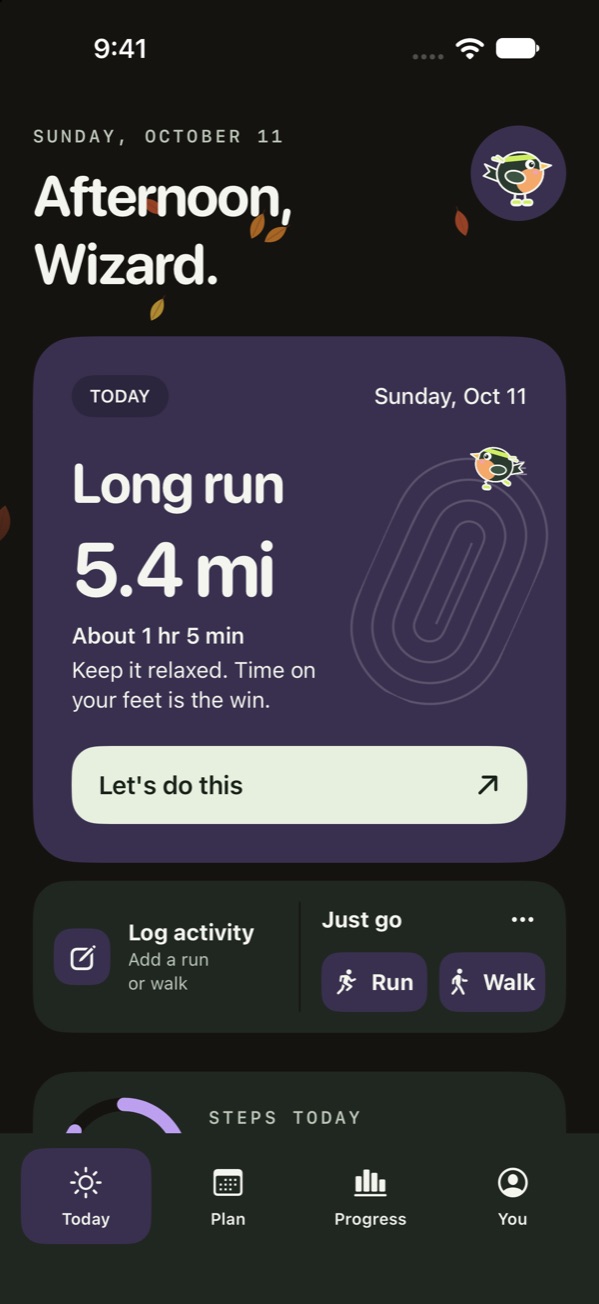
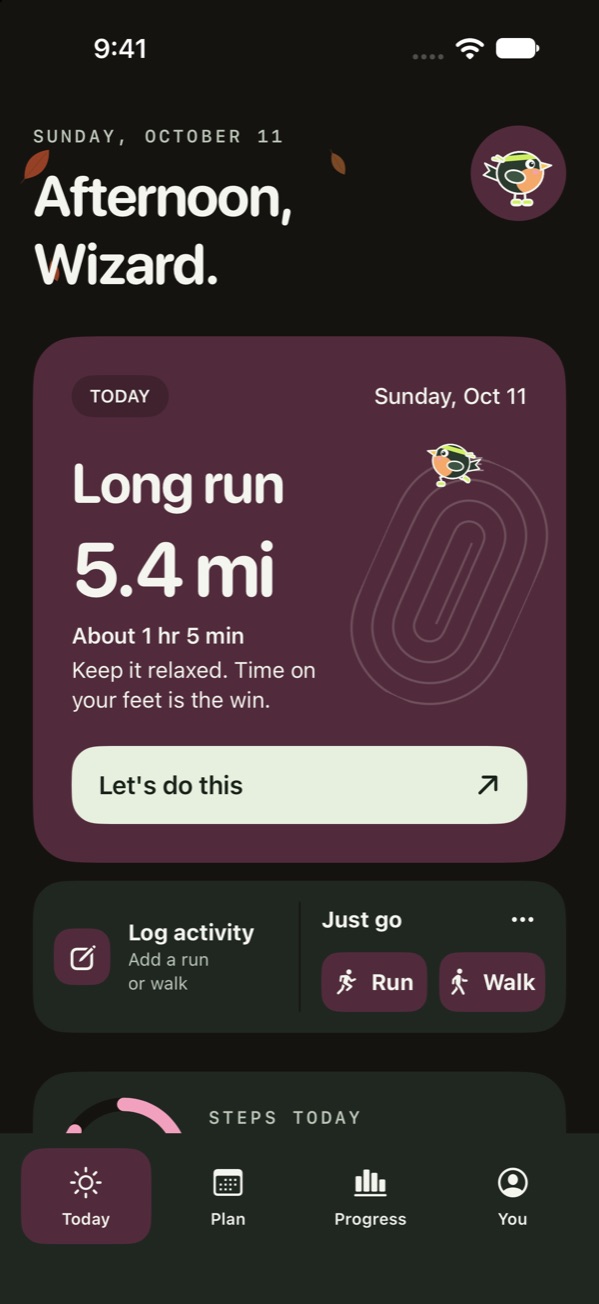
Pick an accent color and an appearance to see the Today screen change. These are real screens from the app.
Train safely. BirdRunner gives general training guidance. It isn't medical advice and doesn't diagnose or treat any condition. Check with a doctor before starting a new training plan, especially if you have a health condition or injury, or are pregnant. Stop and get help if you feel chest pain, dizziness, or unusual shortness of breath. Stay aware of traffic and your surroundings, and keep your eyes off the screen while you run.